
You didn't become a contractor to spend evenings on paperwork. But here you are—organizing photos, hunting receipts, trying to remember which job that expense was for. Sound familiar?
Most construction apps add complexity instead of removing it. Here are five ways to save 5–10+ hours every week.
1. Photos That Organize Themselves
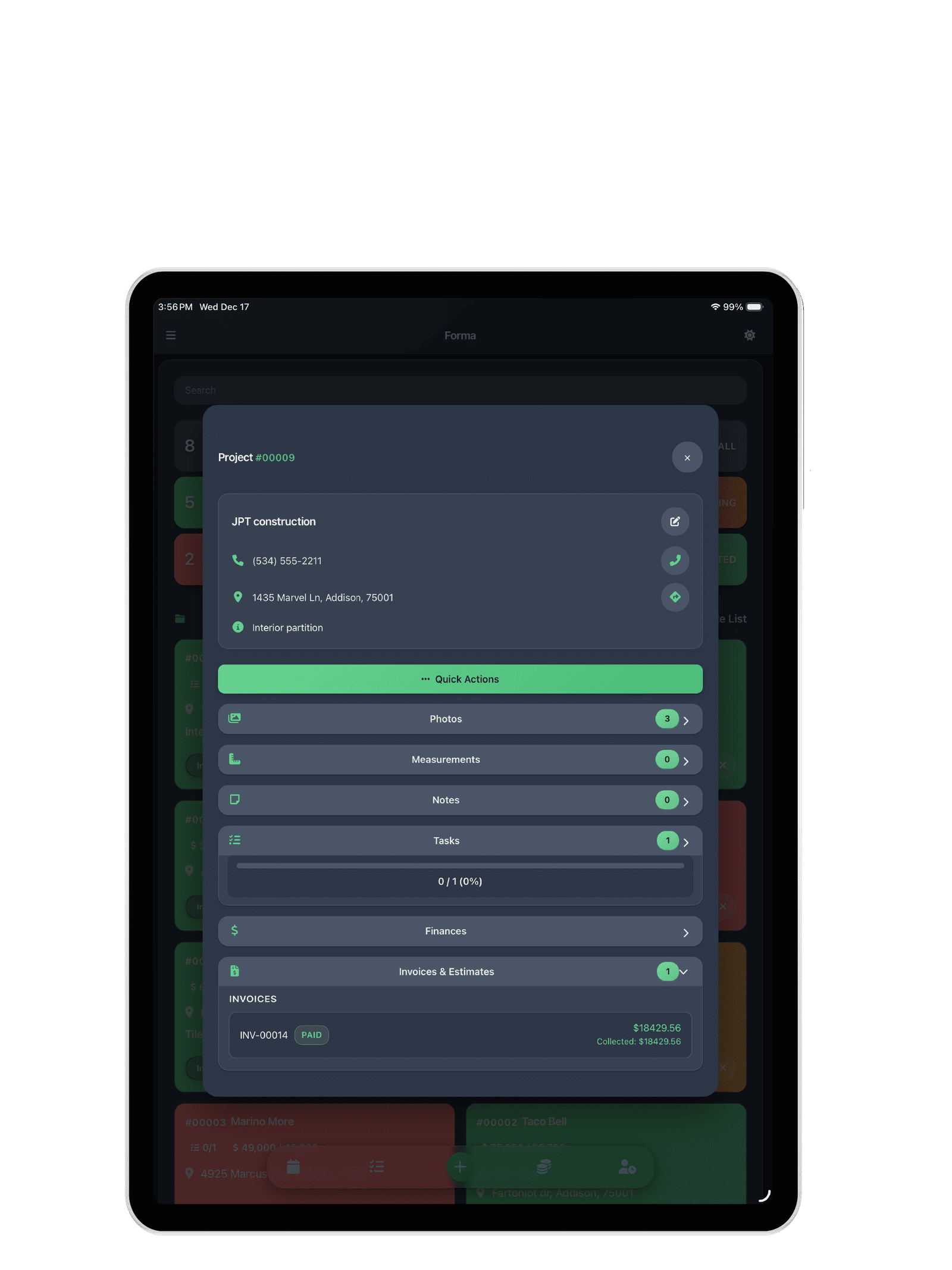
Old way: 30 photos at a job site. Transfer to computer. Create folders. Rename files. Remember which goes with which project.
New way: Take photos in the project. They're organized by job. Need one from 3 weeks ago? It's there. Smart compression shrinks photos up to 90% without visible loss—your phone doesn't fill up.
Time saved: 2–3 hours/week
2. Tasks That Fit in Your Pocket
Most scheduling software is overkill. Gantt charts, resource leveling—you need to know what's due today. Create tasks, set deadlines, check them off. One view for everything due across all projects.
Time saved: 1–2 hours per project
3. Track Expenses Before You Forget
Buy materials. Receipt goes in your pocket. You forget. Profit margin? Who knows. Log the moment it happens—from your phone. 15 seconds at the supply house. Done.
Time saved: 5–8 hours/week on financial tracking
4. Show, Don't Tell with Photo Markup
"The issue is on the left side, below the trim but above the—" Stop. Circle it. Draw on photos. Add arrows. Show your crew or client exactly what you mean. No calls. No confusion. Canvas markup guide.
Time saved: 2–4 hours/week
5. Work Offline
Most apps choke without signal. Loading spinners. "Please connect to the internet." Full offline means: take photos, update tasks, track expenses, add notes. Everything saves to your device. Zero productivity loss in basements, rural sites, or bad coverage.
Time saved: Eliminates connectivity delays
The Math
- Photo organization: 2–3 hours
- Tasks: 1–2 hours per project
- Financial tracking: 5–8 hours
- Communication: 2–4 hours
That's 10–20+ hours per week. At $75/hour billing: $3,000–6,000/month reclaimed.
Get Started
Download FORMA from the App Store. Free plan. Features · Pricing · Invoicing · Financial tracking