
You finished a $15,000 bathroom remodel. Thought you made $5,000 profit. Then you counted the supply house trips, the tile you replaced, the extra day when the plumber no-showed. Real profit? $1,800.
This happens constantly—not because you're bad at the job, but because tracking finances is hard. Most software makes it worse: reports built for accountants, not contractors.
The fix: simple expense tracking on your phone, by project, offline.
Why Contractors Lose Money Without Realizing
Usually not one big mistake. A hundred small ones:
- $47 at the hardware store you forgot to log
- 3 extra hours fixing someone else's mistake
- Gas for extra job site trips
- The blade you bought for one project
- Lunch for the crew when things ran late
Each seems minor. Together they kill margin.
Track Expenses When They Happen
Not at end of day. Not at end of week. Right now.
Log expenses in 15 seconds from your phone. Spent $340 at the lumber yard? Add it, assign to project. Done before you start your truck.
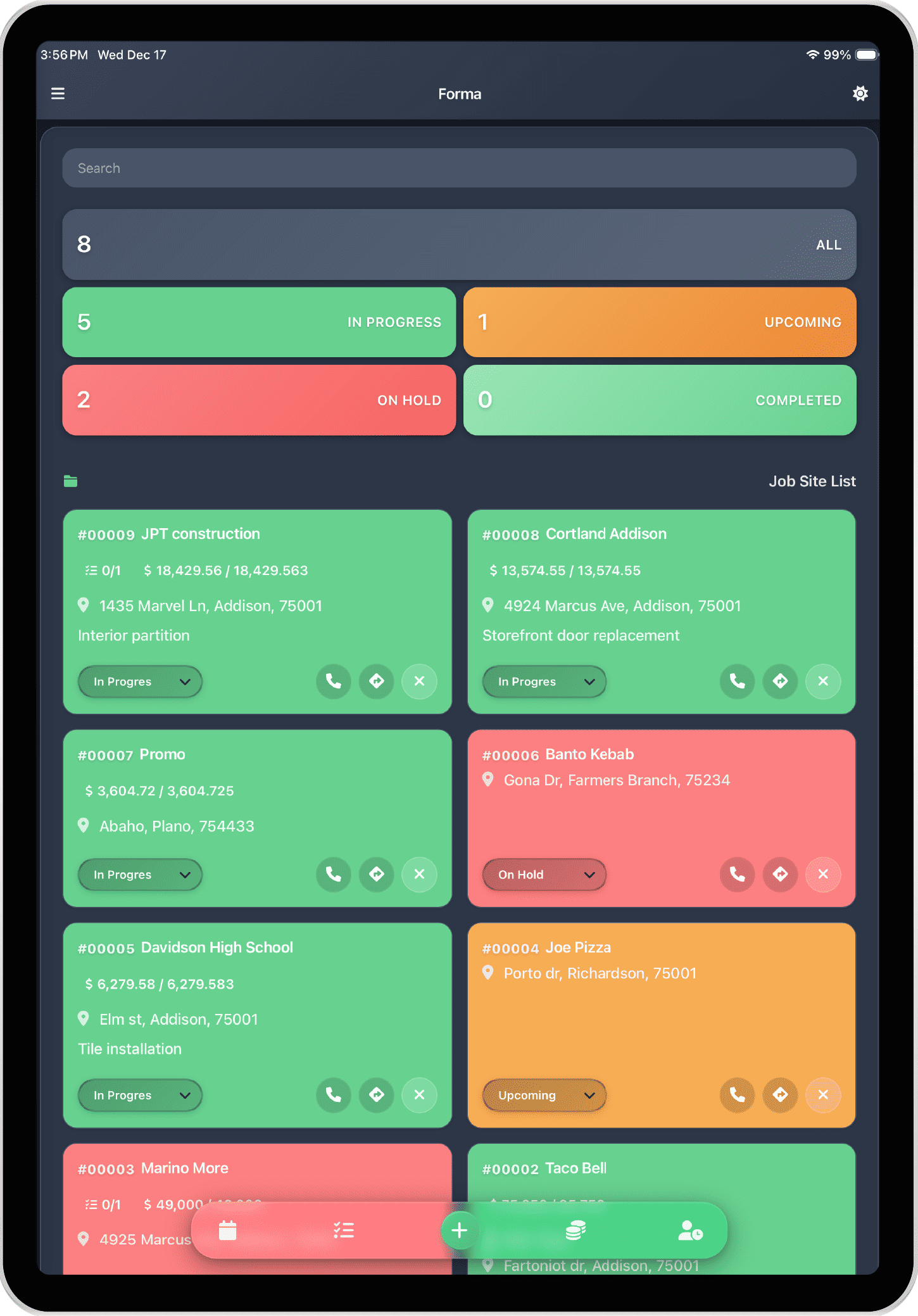
Organize by Project
Every expense belongs to a project. No sorting through a giant list to find that $200 charge. When you need to know how much you've spent on the Johnson kitchen remodel, you open that project. The number is right there.
Track Labor Too
Materials are obvious. Labor is sneaky. Log hours by project, track crew time separately, see labor vs. material breakdown. Most contractors underestimate their own time. If you don't track hours, you're probably working for less than you think.
What You Get
- "Am I making money on this?" Revenue minus expenses. Right there.
- "Where's my money going?" Breakdown by materials, labor, equipment, subs.
- "Which work is most profitable?" Compare completed projects.
- "Am I charging enough?" Margins under 20% consistently? Probably not.
Simple System
Daily: Log every expense immediately. Log hours. Photo receipts.
Weekly: Check expenses vs. budget. Invoice completed work. Record payments.
Monthly: Review margins. Identify profitable work. Adjust pricing if needed.
Mistakes That Kill Profit
- Waiting to log: You'll forget. Log immediately.
- Not counting your time: 12 hours on a job is labor cost—whether you paid yourself or not.
- Ignoring small purchases: $40 expenses add up to hundreds per project.
- Not tracking driving: Gas and truck wear cost money.
- Mixing personal and business: Impossible to know profitability.
Get Started
Profitable contractors know their numbers. Download FORMA from the App Store—create a project, log every expense immediately, track hours, see real profit when it's done.